How to Install window 7
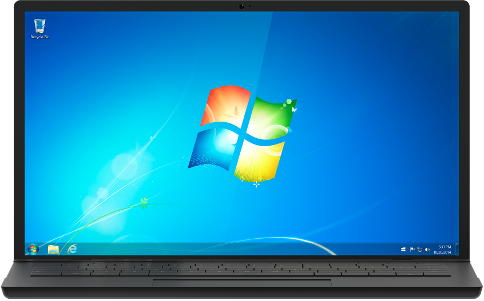
Window 7 is a operating system used for operating computers it is used widely. In this topic I will teach you How to Install window 7 on your PC/Computer/laptop.
Windows 7 system requirements
If you want to run windows 7, here's what it takes:
- 1 gigahertz (GHz) or faster 32-bit (x86) or 64-bit (x64) processor*
- 1 gigabyte (GB) RAM (32-bit) or 2 GB RAM (64-bit)
- 16 GB available hard disk space (32-bit) or 20 GB (64-bit)
- DirectX 9 graphics device with WDDM 1.0 or higher driver
Download Window 7


Comments
Post a Comment